
Equalizer Premium Music Player with Bass Booster
Equalizer+ Pro HD es un reproductor de música con todas las funciones diseñado para usuarios de iPhone que buscan una calidad de audio mejorada y personalización. Creado por DJiT, esta aplicación admite una amplia gama de formatos de audio, incluidos MP3, OGG, FLAC, WAV y más, lo que permite la reproducción desde el almacenamiento local y servicios en la nube como Google Drive y Dropbox. Permite a los usuarios mezclar pistas, aplicar efectos de audio y ajustar los graves, el refuerzo de graves y otros parámetros para enriquecer la profundidad y claridad del sonido.
El ecualizador incorporado brinda un control preciso sobre los agudos, graves y niveles de volumen, ayudando a los usuarios a adaptar su experiencia de escucha. Diseñado tanto para oyentes casuales como para audiófilos, admite la reproducción sin conexión, lo que lo hace ideal para usar sin acceso a internet. Ya sea mejorando la música durante entrenamientos, juegos o desplazamientos diarios, la aplicación ofrece una experiencia de audio personalizada.
El desarrollador no proporcionó requisitos del sistema adicionales.
Key Features & Capabilities
- Multi-Format Playback – Supports MP3, OGG, FLAC, WAV, and other common audio formats, ensuring compatibility with diverse music libraries stored locally or in the cloud.
- Cloud Integration – Seamlessly accesses music from Google Drive and Dropbox, allowing users to stream or play files directly without prior downloads.
- Advanced Audio Effects – Offers bass boost, equalizer adjustments, and customizable audio enhancements to modify sound profiles and improve listening quality.
- Track Mixing & Editing – Enables users to mix songs, apply effects, and create new audio combinations for creative or personal use.
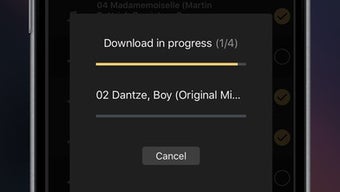
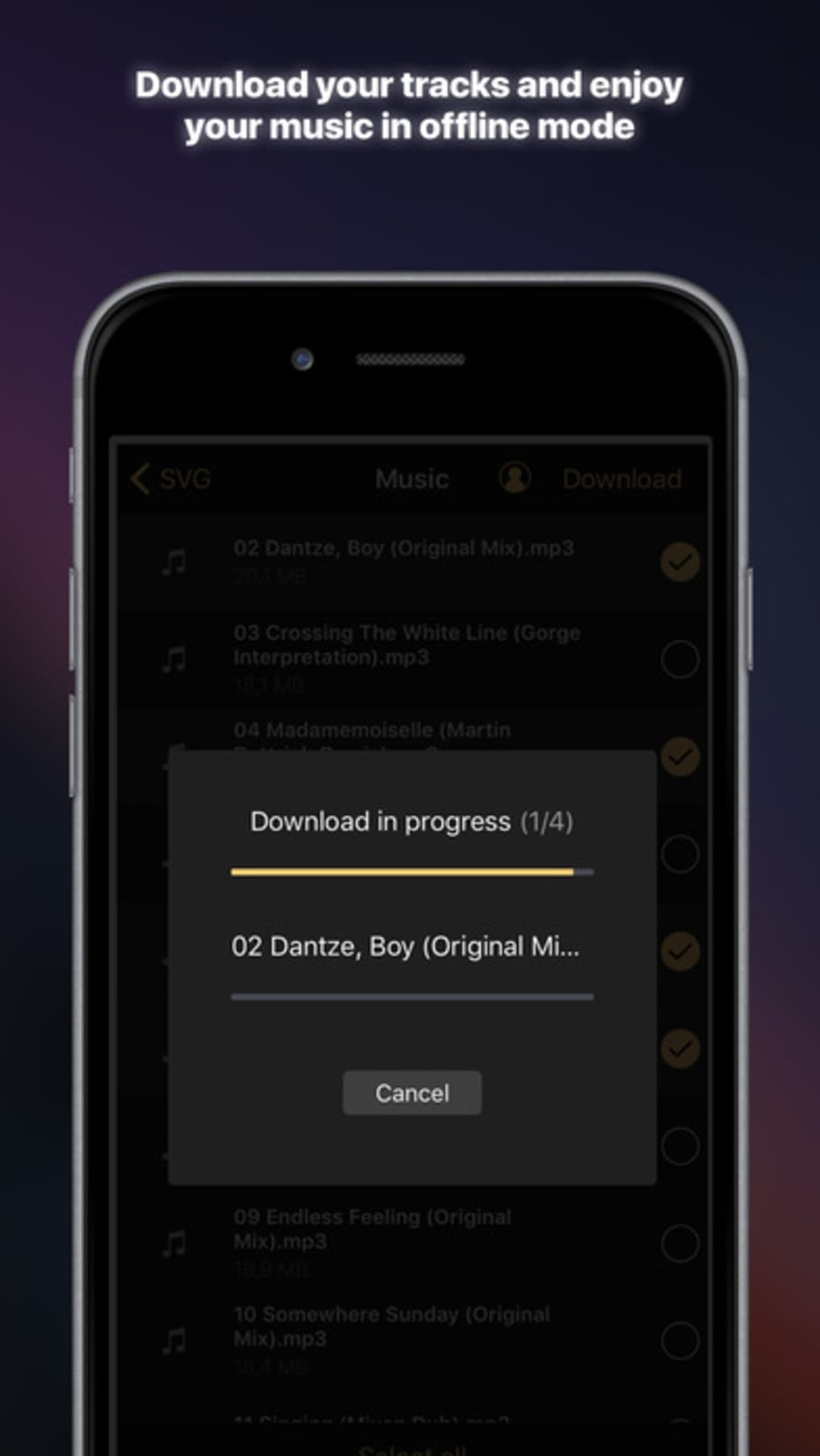
- Offline Mode Support – Allows full functionality without an internet connection, ideal for travel, workouts, or areas with limited connectivity.
These features empower users to enjoy a personalized audio experience, whether adjusting bass levels for deeper sound during gaming or fine-tuning equalizer settings for clearer vocals. The ability to mix tracks and apply effects adds a layer of creativity, making it suitable for content creators and music enthusiasts alike.
User Interface, Workflow & Performance
The app features a clean, intuitive interface designed for iPhone users, with straightforward navigation between playback, library, and settings. The layout prioritizes accessibility, placing essential controls like play/pause, equalizer, and volume adjustments within easy reach. Users can browse music by local files or cloud sources with minimal steps, streamlining the workflow.
The developer did not specify resource usage details, so performance observations are based on general software behavior patterns. No stability issues were reported in the provided information. The app operates smoothly within the iOS ecosystem, leveraging native audio playback capabilities.
CPU and RAM behavior were not disclosed, but typical iPhone performance suggests efficient background operation.
Compatibility & System Requirements
Equalizer+ Pro HD is designed exclusively for iPhone devices and runs on iOS. The app has a file size of 140.8 MB, which is typical for feature-rich music applications. The software version is 2.1.4, released on June 1, 2024.
Exact system requirements were not listed. Compatibility information is limited to the iPhone platform, and no additional OS details were provided. Users should ensure their device meets the minimum requirements for running the latest iOS version, though specific hardware needs were not specified.
Pros and Cons
Pros
- Supports a wide range of audio formats including FLAC and WAV
- Integrates with Google Drive and Dropbox for cloud music access
- Offers advanced audio effects and bass boost for enhanced sound quality
- Includes offline playback capability
- Allows track mixing and audio editing features
Cons
- Compatibility details beyond iPhone were not provided
- System requirements and hardware specifications were not disclosed
- Performance under heavy audio processing was not tested or documented
- App size is relatively large at 140.8 MB
- No information on update frequency or developer support channels
FAQ Section
Is Equalizer+ Pro HD compatible with all iPhone models?
The app is designed for iPhone, but specific compatibility with older or newer models was not specified by the developer.
Can I use this app without an internet connection?
Yes, the app supports offline mode, allowing full playback of music stored locally or previously downloaded from cloud services.
Does the app support FLAC and WAV files?
Yes, the app supports FLAC, WAV, MP3, OGG, and other common audio formats.
Is the app free to download and use?
Yes, the app is available for free. No in-app purchases or subscription fees were mentioned.
How often does the app receive updates?
Release date information indicates version 2.1.4 was published on June 1, 2024. No details on update frequency were provided.
Final Thoughts & CTA
Equalizer+ Pro HD stands out as a powerful music player tailored for iPhone users who demand more from their audio experience. With its support for high-resolution formats, cloud integration, and advanced audio customization, it offers a compelling alternative to standard music apps. The inclusion of bass boost, equalizer controls, and offline playback enhances usability across various scenarios.
While some technical details remain undisclosed, the app delivers on core functionality with a focus on audio quality and flexibility. It is best suited for music lovers, audiophiles, and content creators seeking a customizable listening environment. Download Equalizer premium music player bass booster now.







